I have a confession: I haven’t used a third-party antivirus for years.
Why? Because traditional antivirus software (like Norton or McAfee) has become “bloatware.” They constantly nag you with pop-ups, slow down your boot time, and eat up 30% of your CPU just to run a background scan.
For a long time, I just relied on Windows Defender. But recently, I started testing Surfshark Antivirus because it came bundled with my VPN subscription (Surfshark One).
I went in skeptical. I came out impressed. Here is why this is now the only security app running on my personal laptop.
1. It is Actually “Lightweight” (No, Really)
As a System Administrator, performance is my #1 metric. I cannot afford security software that slows down my compile times or renders.
Surfshark Antivirus is integrated directly into the Surfshark VPN app. There is no separate heavy agent to install.
- RAM Usage: Minimal impact (averaging <150MB in background).
- CPU Load: I didn’t notice any lag while gaming or coding, even during a “Quick Scan.”
If you hate antivirus software that makes your fan spin like a jet engine, this is for you.
2. The “Surfshark One” Ecosystem
The biggest selling point is simplicity. I don’t want three different icons in my system tray (one for VPN, one for Antivirus, one for Adblock).
Surfshark combines everything:
- VPN: Encrypts my traffic.
- CleanWeb: Blocks ads at the network level.
- Antivirus: Real-time protection against malware.
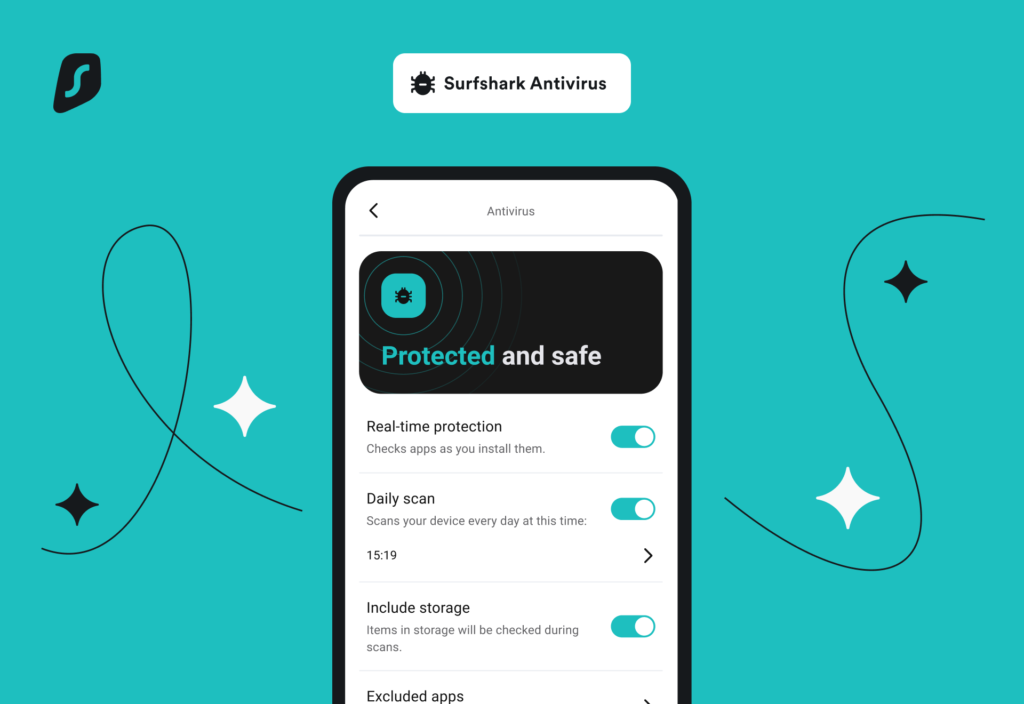
One app. One subscription. One login. For managing family devices, this simplicity is a godsend.And it looks just as clean on my phone. No complex menus, just simple protection
3. Real-Time Protection & Webcam Security
It’s not just a file scanner. It offers Real-Time Protection, meaning it monitors downloads and installations as they happen.
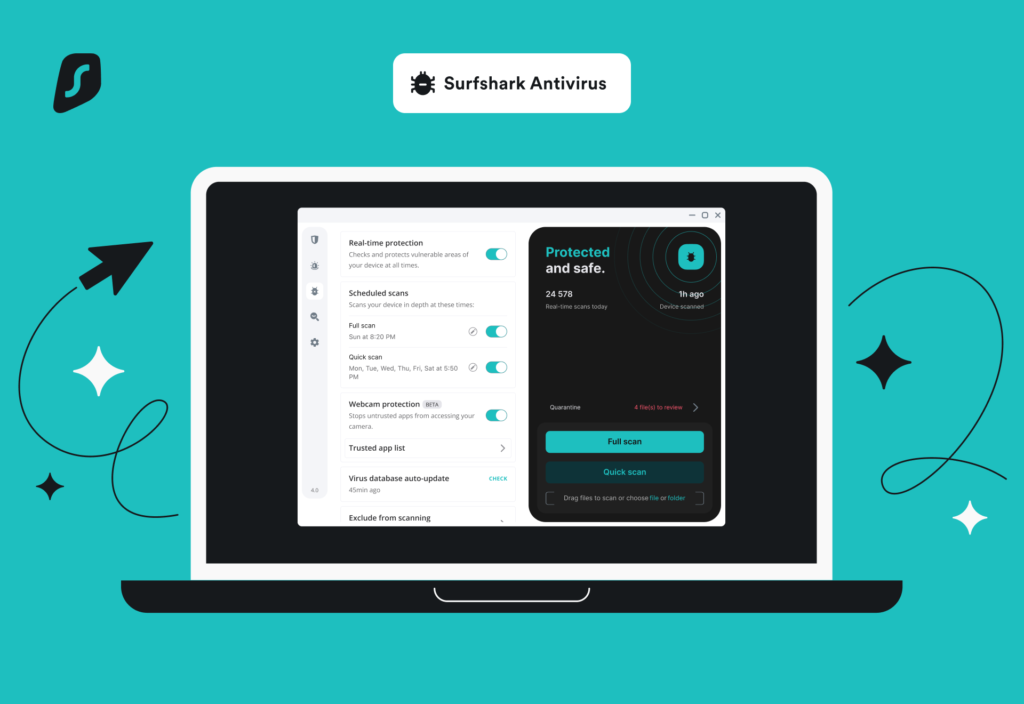
But my favorite feature is Webcam Protection. We have all seen the photos of Mark Zuckerberg with tape over his webcam. Surfshark creates a digital lock. It stops untrusted apps from accessing your camera, notifying you immediately if a breach is attempted.
4. The Cloud Protect System
Surfshark uses a cloud-based database to analyze zero-day threats. This means the app doesn’t need to download massive definition files to your local drive every day. It checks file hashes against their cloud threat intelligence instantly.
How to Set It Up
If you already have Surfshark VPN, you might need to upgrade to the Surfshark One bundle (it costs barely more than the standard VPN).
- Open the Surfshark App.
- Click the Antivirus icon (shield symbol) on the sidebar.
- Follow the setup wizard to install the background service.
- Run a Quick Scan.
Click the ‘Quick Scan’ button (visible in the dashboard above), and it usually finishes in under 5 minutes on my SSD.
Final Verdict: Who is this for?
Is Surfshark Antivirus better than a $100/year enterprise-grade security suite? Maybe not for a corporate server.
But for home users, freelancers, and travelers? Absolutely. It gives you premium protection without the “bloat.” It is fast, silent, and effective.
If you are already buying a VPN, upgrading to the Antivirus bundle is a “no-brainer” deal.