As a System Administrator, I spend 12 hours a day online. I manage servers on Vultr, secure SSH connections, and deploy WordPress sites.
For years, I relied on free browser extensions to block ads. But recently, I audited my browser’s network activity and realized a harsh truth: If the product is free, you are the product.
Many free adblockers sell your browsing history to third-party data brokers. They also consume significant RAM, slowing down your browser.
That is why I switched to Surfshark CleanWeb. It is not just an extension; it is a network-level blocker that stops ads, trackers, and malware before they even load.
Here is my technical review of why this is the upgrade every power user needs.
The Problem with Browser Extensions
Traditional adblockers work by injecting code into every webpage you visit to hide elements. This causes two problems:
- Performance Hit: Your browser has to process the page plus the blocker’s rules, eating up CPU and RAM.
- Privacy Risk: To work, these extensions need “Read and Change all data on websites you visit” permissions. That is a security nightmare.
Why Surfshark CleanWeb is Different
Surfshark CleanWeb operates differently. It functions at the DNS and network level.
- Blocks at the Source: It checks requests against a database of known ad servers and malware domains. If a match is found, the connection is dropped instantly. The ad doesn’t just get “hidden”; it never downloads.
- Saves Bandwidth: Because ads are blocked before downloading, pages load faster and use less data.
- Zero Logs: unlike free tools, Surfshark is a paid service with a strict no-logs policy that has been independently audited.
Real-World Test: The “News Site” Challenge
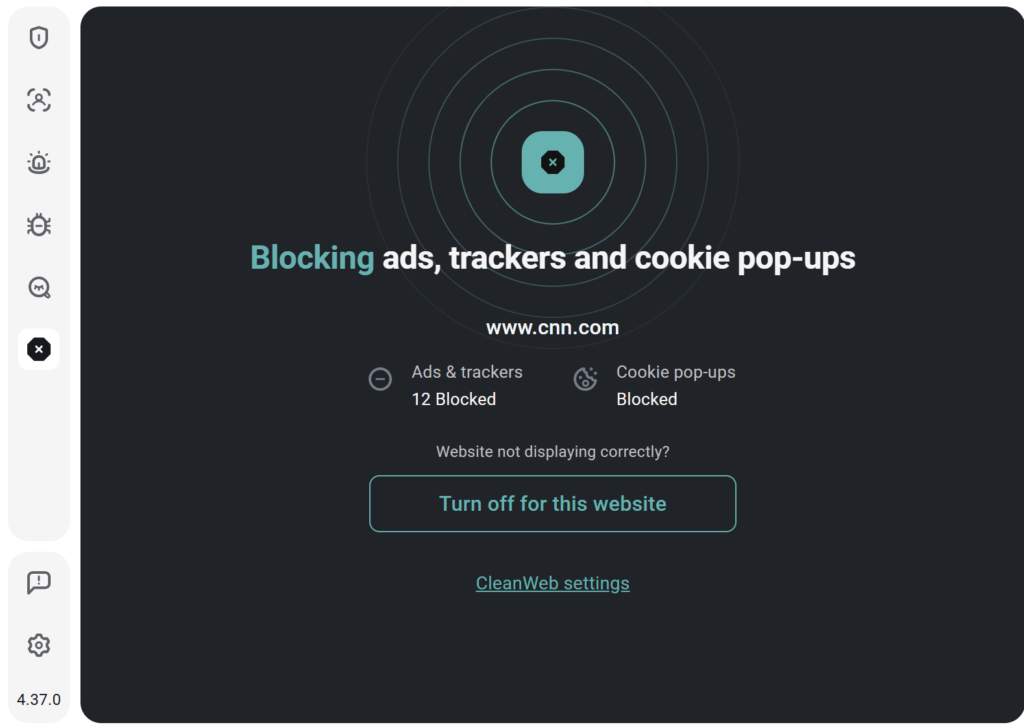
I tested CleanWeb on a notorious tech news site that is usually flooded with banners and pop-ups.
Before CleanWeb: The page took 4.5 seconds to load, and 30% of the screen was covered in ads.
After CleanWeb: The page loaded in 2.1 seconds. Zero ads. Just clean content.
Bonus: The “Home Lab” Advantage (Unlimited Devices)
Here is the feature that sold me instantly: Unlimited Devices.
Most security tools limit you to 5 or 6 devices. Surfshark allows you to connect every device you own on a single account.
- My Windows workstation
- My MacBook
- My iPhone and iPad
- Even my Android TV (yes, it blocks ads on streaming apps too)
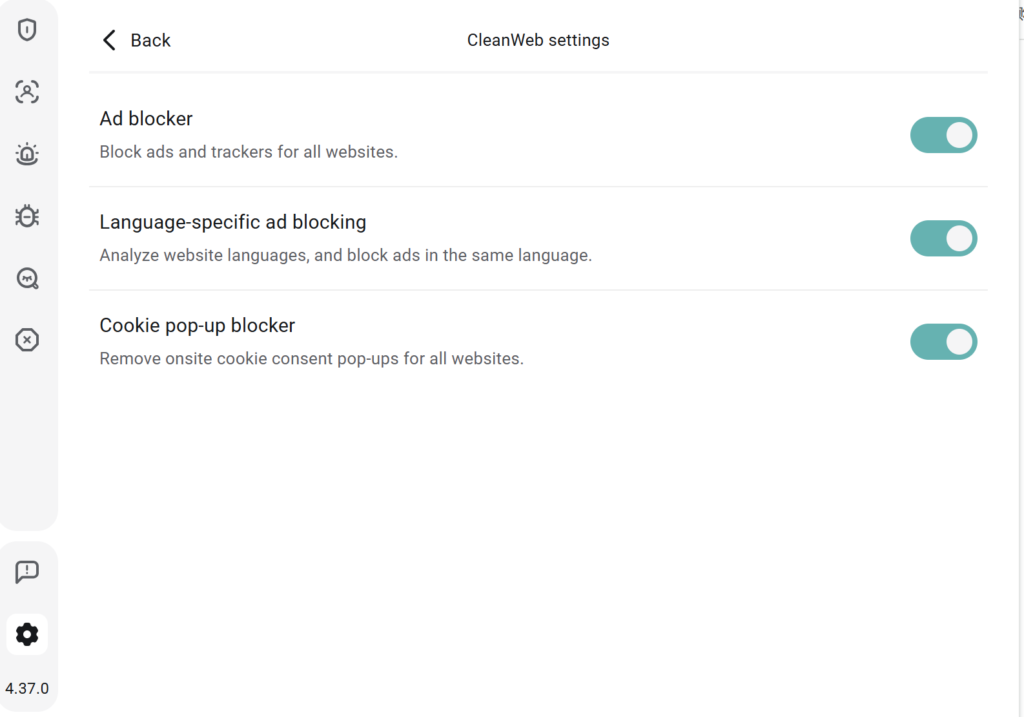
How to Enable It
- Open the Surfshark app (or browser extension).
- Go to Settings.
- Toggle CleanWeb to ON.
- (Optional) For stricter protection, enable the Antivirus feature to scan downloads in real-time.
Final Verdict
If you care about privacy, stop using free extensions that harvest your data.
Surfshark CleanWeb offers a cleaner, faster, and safer web experience. And considering it covers unlimited devices, the value for a home network is unbeatable.
Disclosure: This is a partner link. I may earn a commission if you subscribe, at no extra cost to you.
👉 [Get Surfshark CleanWeb (Block Ads & Malware on Unlimited Devices)]